Select a message to read
TX-05 production reservation
NPNorthline PowerTo: Procurement · 9:12 AM
We can hold the production slot until Friday at noon. Please return the approved Rev C drawings to retain the reservation.
Northline Scheduling
 Applied Kinetics
These are the agents that run our own operations, licensed to your team. They work inside your existing systems, handle the follow-up, and post finished work in Microsoft Teams or Slack.
 Slack
Slack Coupa
Coupa Microsoft Teams
 Kinaxis
 Outlook
 SAP Ariba
 SharePoint
 Blue Yonder
 OneDrive
 Epicor
 HubSpot
 QuickBooks
 Xero
Xero Zapier
 NotionSAP
 Excel
Excel Oracle
 Jira
Jira NetSuite
 Google Sheets
 Dynamics 365
 Odoo
Odoo Workday
 Airtable
 Procore
 monday.com
 Trello
 Confluence
 Zoho
Zoho Google Drive
 Salesforce
 Gmail
Gmail Infor
Infor Dropbox
 ServiceNow
 Asana
Asana DocuSign
 Box
Box Sage
Sage Google Calendar
 E2open
 Autodesk
 Smartsheet
No new interface to learn. Ask questions, review work, and approve decisions in the channels your team already uses.
Agents chase suppliers, reconcile engineering changes, and track milestones on their own. Your team sees results and exceptions, not prompts.
Connected to your ERP, email, spreadsheets, and document stores: SAP, Oracle, NetSuite, Outlook, Excel, SharePoint, and whatever else the work lives in.
Every deployment is shaped to your workflows, approvals, and data. Not a general assistant with your logo on it.


Agents take over the follow-up: supplier chasers, status updates and approval packets.
Time reclaimed
5,760 hours
Per year across your team
Annual value saved
$374,400
Estimated value of reclaimed time
Agents work like members of your team, watching commitments, finding the next task, and picking up where people leave off. They follow work through to completion within your security controls and approval rules, bringing results and decisions that need your sign-off directly into Slack or Teams.
In Outlook, Northline Power writes that it can hold the TX-05 production slot until Friday at noon if the approved Rev C drawings are returned. In SharePoint, Rev C shows engineering approval pending with Maya Chen, and the agent requests her review. In the ERP, it prepares an approval packet on purchase order PO-2091 with the supplier email and the drawing reference, leaving the order awaiting approval. In Teams, it tells the equipment procurement channel the reservation expires Friday at noon and asks the team to review Rev C, with the approval packet attached. Engineering approval is still awaited.
Required delivery · Within 36 weeks
Elbe recommended · lowest production cost within 36 weeks
A delay rarely stays in one place. Trace its impact through the project, compare possible responses, and understand the tradeoffs before you commit.
A production delay pushes equipment delivery past the planned site window. Compare the original commitment with two possible responses.
Bring supplier intelligence, public filings, permits, and project information into the same investigation. Understand what changed, why it matters, and which commitments it touches.
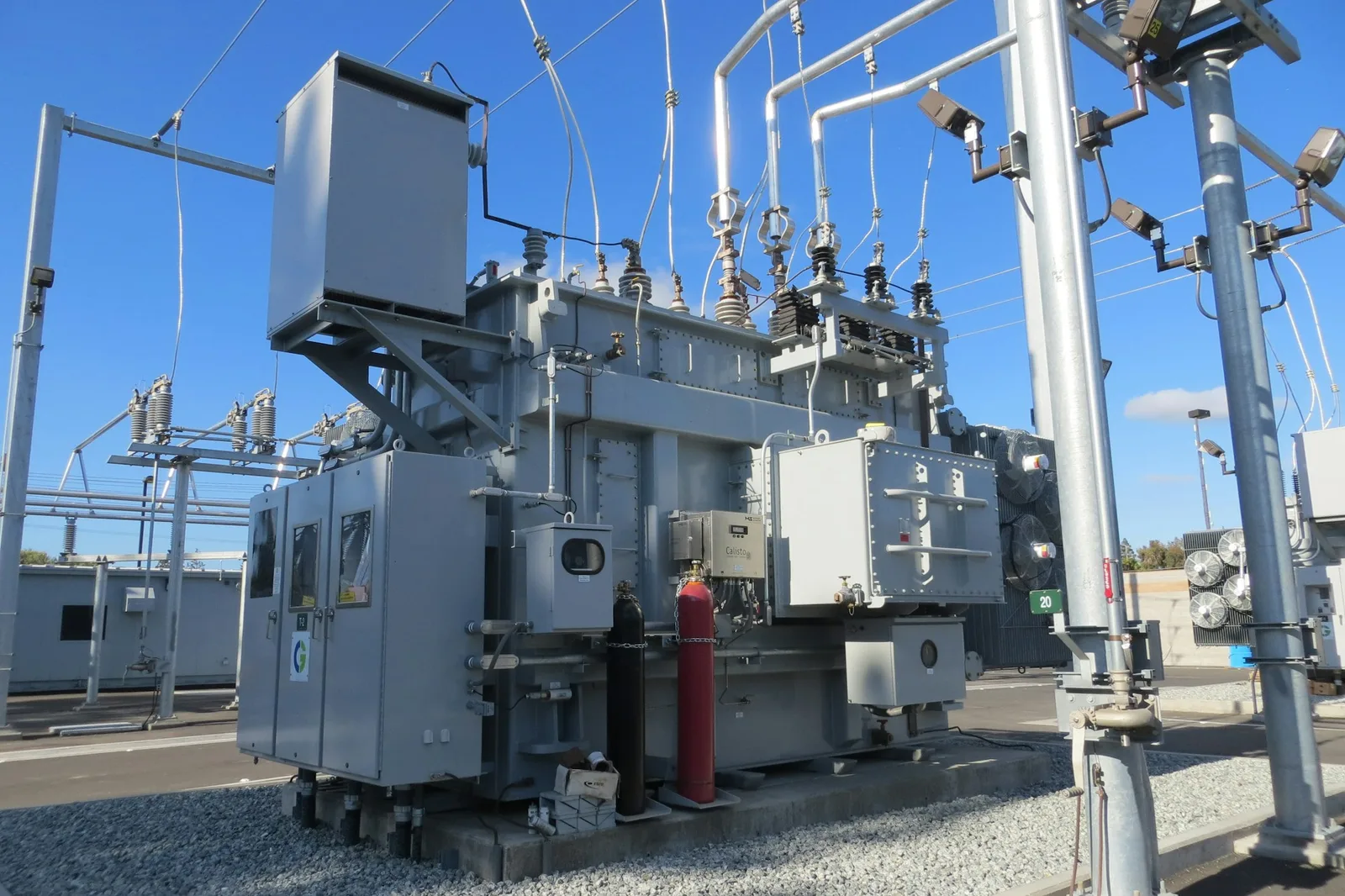
Connect quoted lead times, production updates, capacity announcements, and past commitments to the equipment you’re counting on.
Delivery simulation
Our agents generate supply chain models and visualize the results, so you can explore how uncertain lead times and connected milestones shape the delivery window.
Weeks from project start
5,000 Monte Carlo runs model transformer delivery. P50 and P80 are the delivery weeks reached by 50% and 80% of simulated outcomes.
Minimum / most likely / maximum, in weeks
Approval and materials run in parallel, followed by production, testing, and freight. Base durations use independent triangular distributions. Each run samples one uniform supplier delay from zero to the slider maximum, adding it to production and 15% of it to testing.
20,000 kW × $150 = $3M monthly rent, or approximately $690K per delayed week.
P80 exposure = weeks beyond Week 28 at P80 × weekly rent. Exposure is zero when P80 delivery is on time.
Assumes each late week delays rental income across all 20 MW. Exposure covers deferred base rent only, excluding financing, standby costs, penalties, operating costs, and later revenue recovery.
$150 is an illustrative assumption. Rental-market context: JLL’s 2026 Data Center Outlook.
We start by mapping how work actually moves through your company: how equipment is specified, sourced, tracked, and delivered, and who signs off along the way. That shows where commitments slip between teams and systems, and where agents can take the follow-up off your team’s plate.
We design each agent workflow around the way your team already operates, with your suppliers, systems, and approval rules built in from the start. You review the design at every stage, so nothing reaches a live project without your sign-off.
We connect the agents to the tools your team already works in, from ERP and inboxes to Slack and Teams, and put them to work on live projects. Your existing software stays in place, and the system expands as more of the operation comes onto it.